

Appearance
YouTube Settings
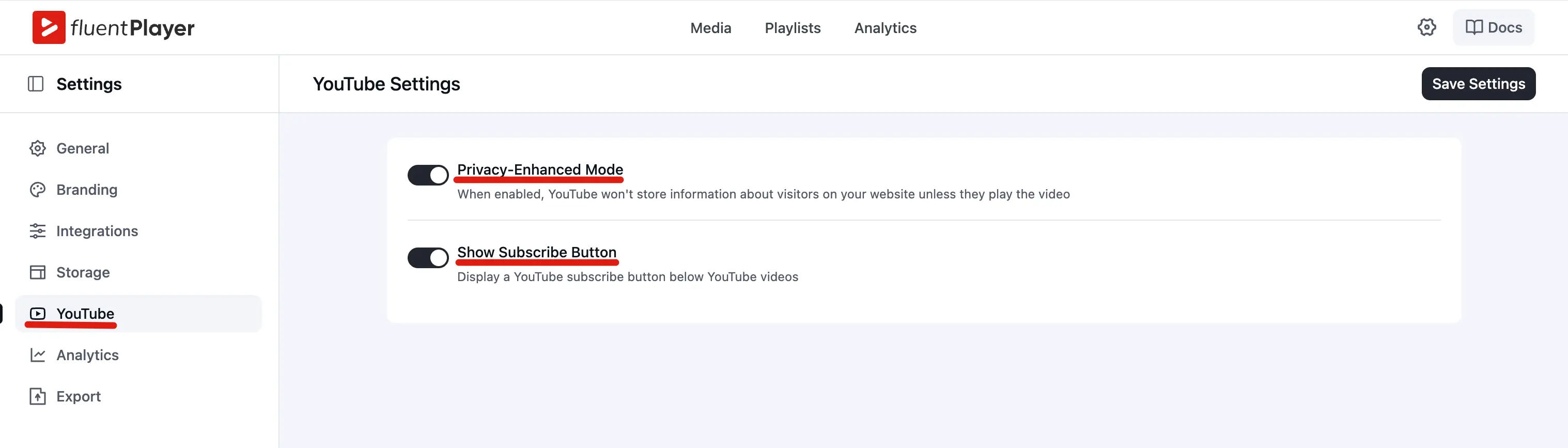
The YouTube section controls how FluentPlayer handles YouTube video embeds across your site. These settings apply globally to all media items that use YouTube as the source.
Privacy Enhanced Mode
When enabled, YouTube loads the video from youtube-nocookie.com instead of youtube.com. This means YouTube does not store cookie information about your visitors until they interact with (click play on) the video.
When to enable: If your site needs to comply with GDPR or other privacy regulations, or if you want to minimize tracking of visitors who only view the page without playing the video.
TIP
Privacy Enhanced Mode reduces the data YouTube collects from page visitors, but it does not make YouTube embeds fully "cookie free." Once a visitor plays the video, YouTube may still set cookies.
This setting is off by default, while Vimeo's equivalent is on — check both if you use both sources. For how this fits alongside a cookie-consent banner, see Privacy-Enhanced Mode.
Show Subscribe Button
When enabled, a YouTube Subscribe button appears below (or near) the YouTube video embed. This makes it easy for viewers to subscribe to your YouTube channel directly from your WordPress site.
When to enable: If you want to grow your YouTube audience from your embedded videos.
Behind the scenes, FluentPlayer can call YouTube’s channel metadata so the subscribe control shows the correct channel name and branding when the button is enabled.
Saving Changes
Click Save Settings after adjusting YouTube options.
Related pages
- Video Sources — how to add a YouTube video to a player
- Settings Overview — all global FluentPlayer settings