

Appearance
Elementor Widget
FluentPlayer includes a native Elementor widget for the video player, and FluentPlayer Pro adds a matching widget for playlists. You can drag them into any Elementor section or column and configure every setting directly inside the Elementor panel - no shortcode needed.
Free and Pro
The FluentPlayer widget is available in the free plugin. The FluentPlayer Playlist widget requires FluentPlayer Pro and only appears in Elementor when Pro is active. Playlists are a Pro feature.
Adding the FluentPlayer Widget
- Open a page in the Elementor editor.
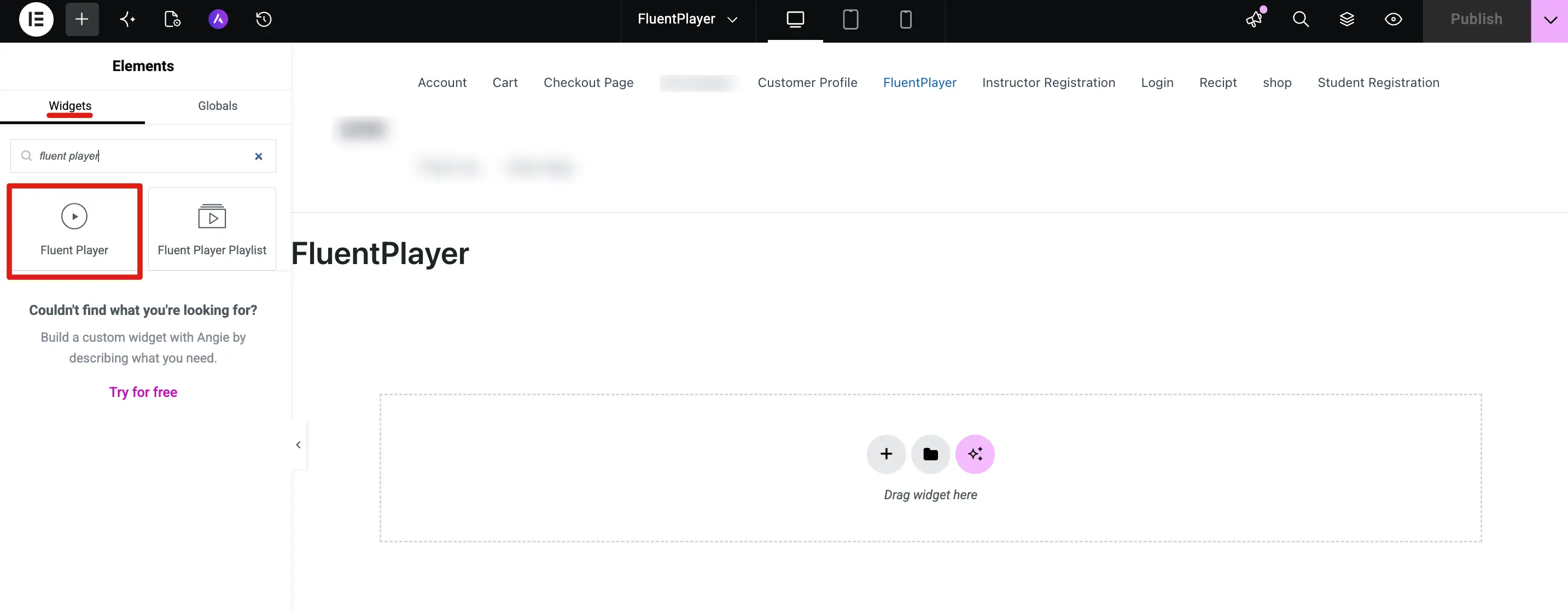
- In the widget search panel, type FluentPlayer.
- Click the Fluent Player widget to insert it into your layout.
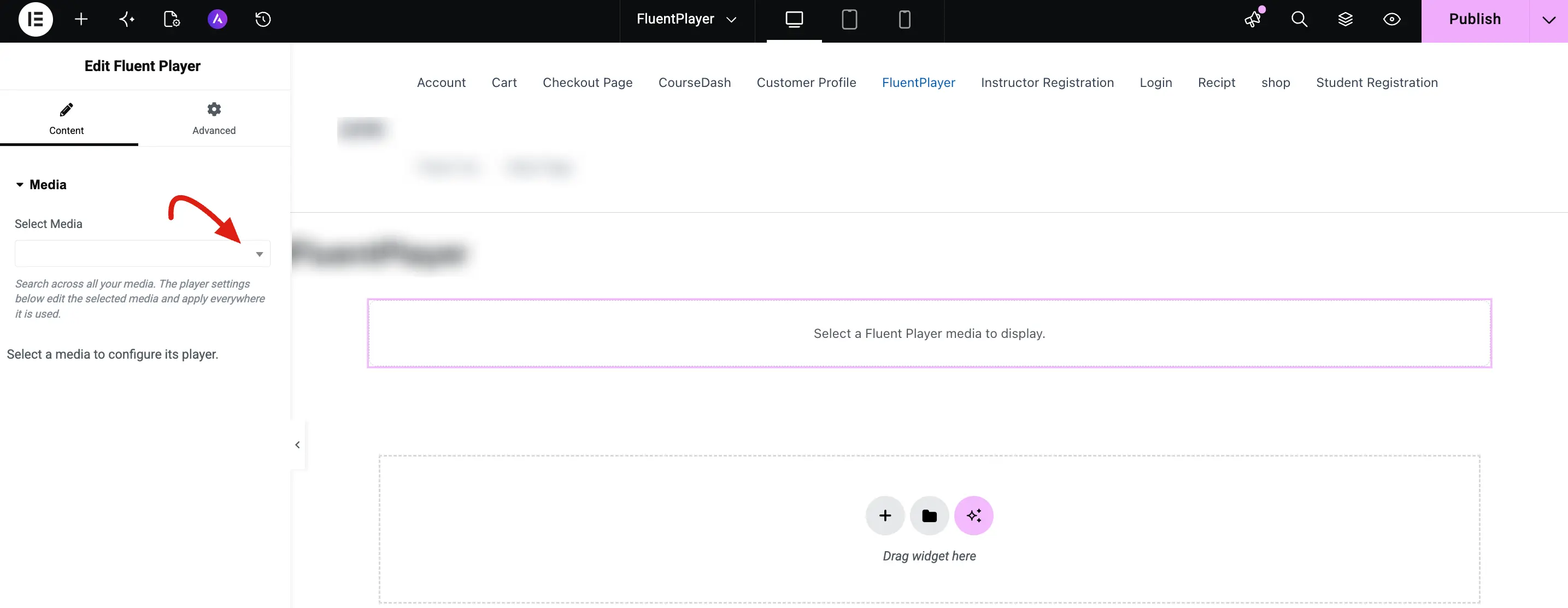
- In the left panel, open the Content tab. Under the Media section, click the Select Media dropdown.
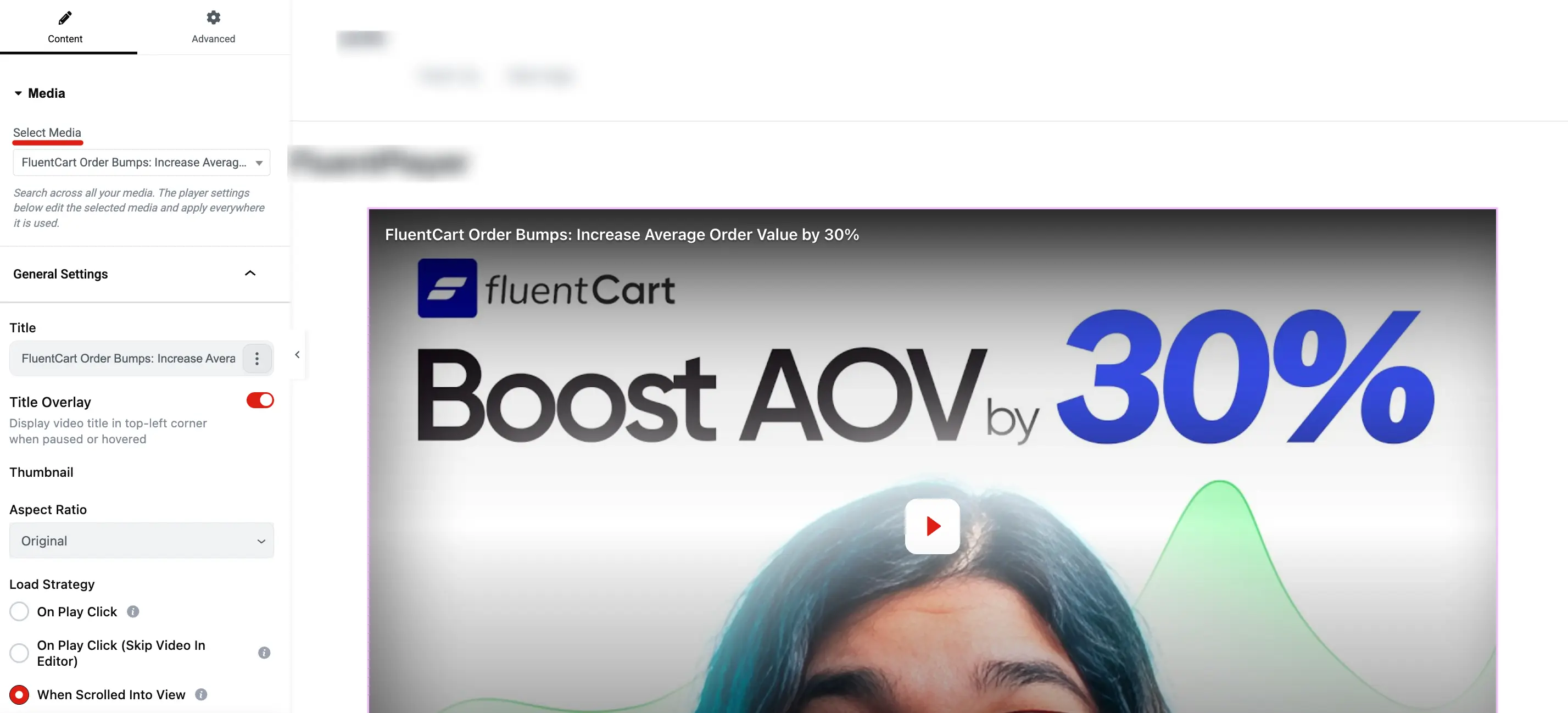
- Search and select the media item you want to display. Once selected, the player renders live in the Elementor canvas. The General Settings panel appears below with options including Title, Title Overlay, Aspect Ratio, and Load Strategy.
- Click Publish to save your changes.
Adding the FluentPlayer Playlist Widget (Pro)
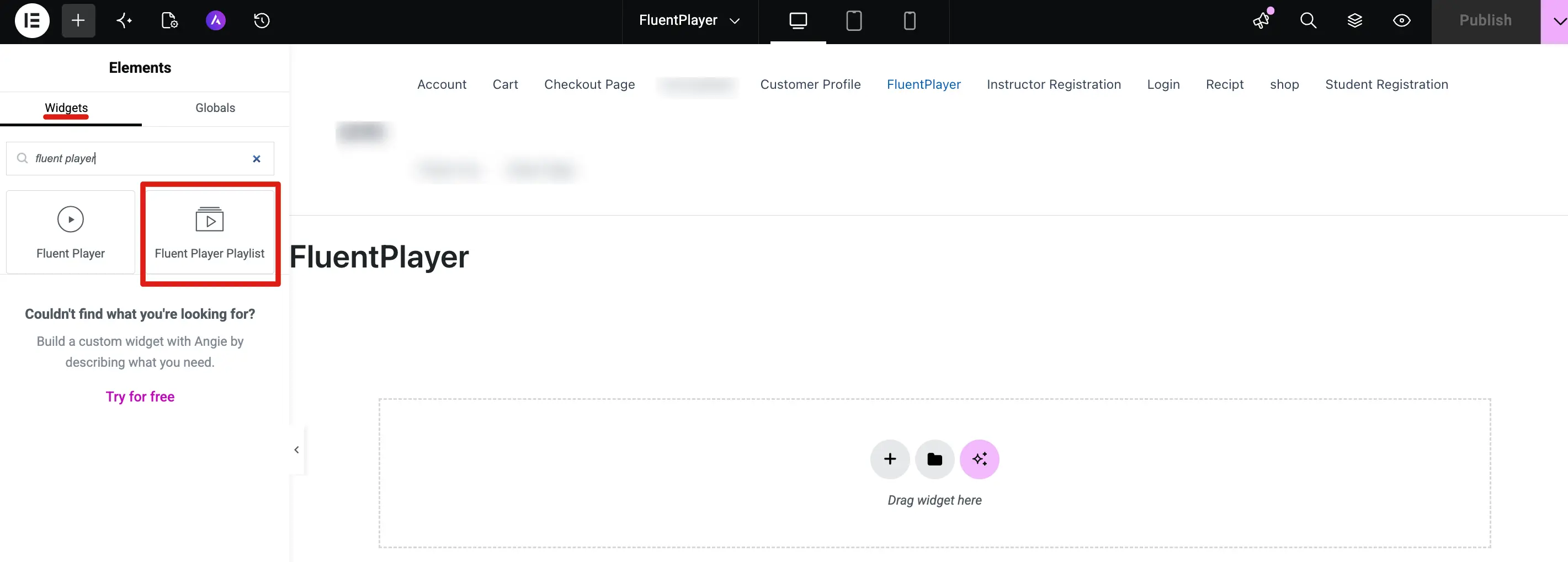
- In the widget search panel, type FluentPlayer Playlist.
- Click the Fluent Player Playlist widget to insert it.
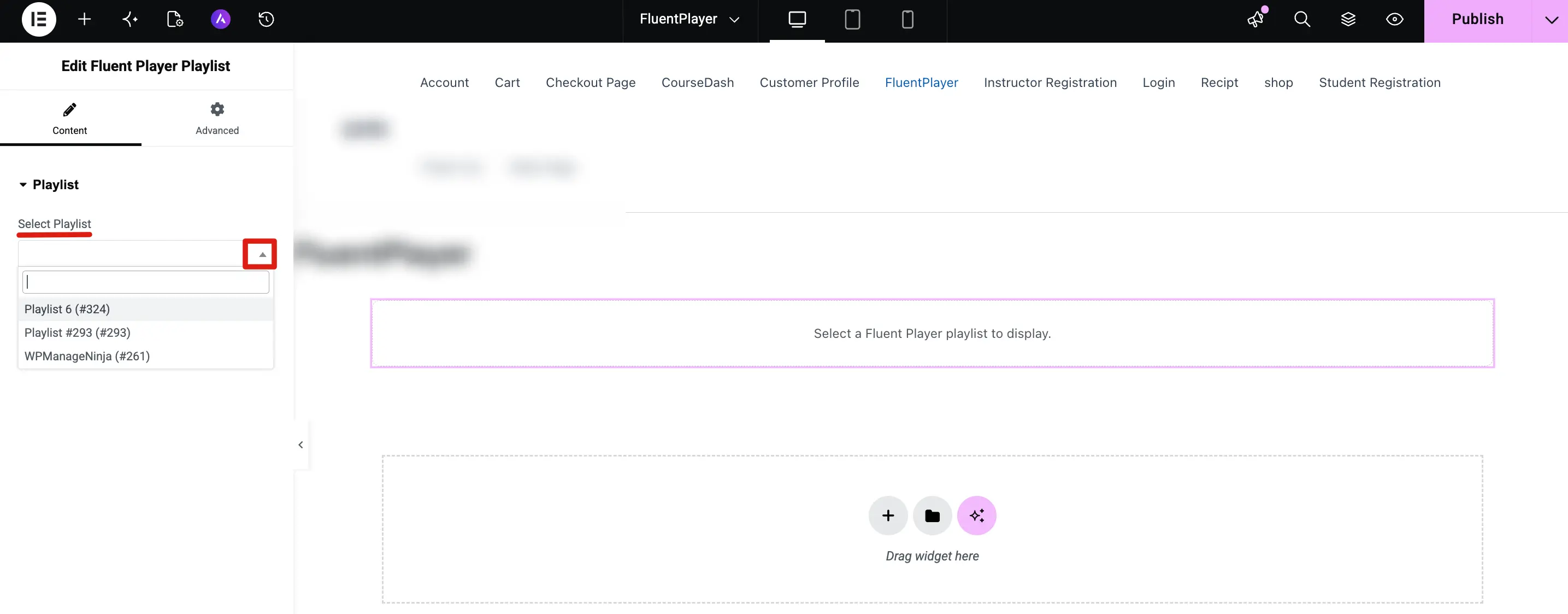
- In the Content tab, click the Select Playlist dropdown and choose a playlist from the list.
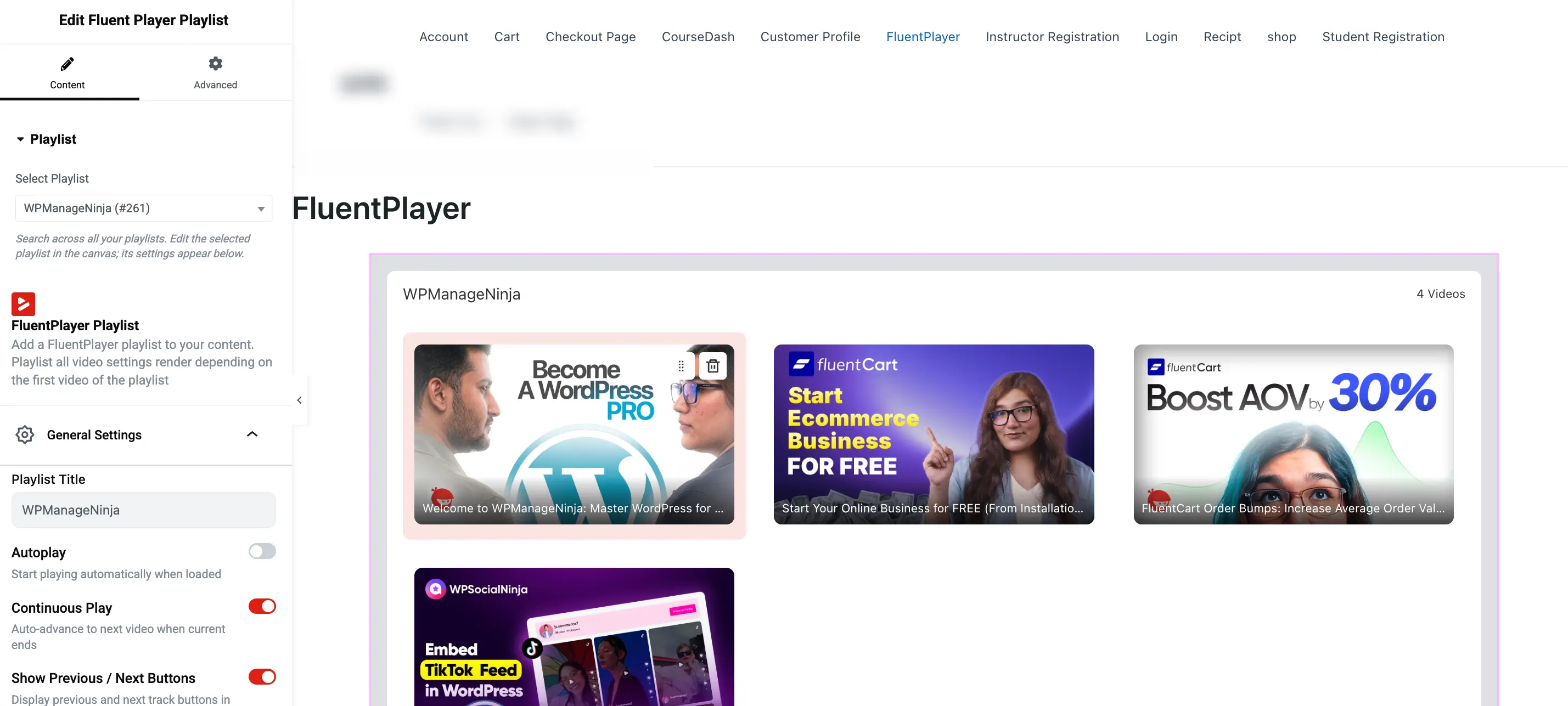
- Once selected, the playlist renders live in the canvas. The General Settings panel appears below with options including Playlist Title, Autoplay, Continuous Play, and Show Previous / Next Buttons.
- Click Publish to save your changes.
Available Settings
The Elementor widget exposes the same settings as the Gutenberg Block. All panels available in the block sidebar are available in the Elementor panel:
| Panel | What you can configure |
|---|---|
| General Settings | Title, title overlay, thumbnail, aspect ratio, load strategy |
| Branding & Appearance | Logo, colors, player skin overrides |
| Interactive Layers | Email capture, CTA, Hotspots, Fluent Forms, Ads |
| Chapters | Chapter markers and titles |
| Subtitles | Subtitle tracks and caption styling |
| Multiple Languages | Audio language tracks |
| Timed Content (Pro) | Content blocks that appear below the player at timestamps |
| Overlays (Pro) | Text and button overlays |
| Advanced | Custom CSS, visibility rules |